An AI social media manager
for your small business.
Leave it on. Every week it plans, makes and times your posts. You just say yes.
Or start with emailFree plan · No card requiredThis week leads with the morning bake, moves to the lunch soup and ends on a Black Friday treat.
I looked at 48 ideas on your board, Black Friday and your own best times.3 posts planned · 1 made · 1 waits for your go Fresh out at 7amMon 23 7:30am · Instagram · a reminderNeeds your go
A warm bowl and a slice, ready before the lunch rush.Being made
One treat on the counter for Black Friday, gone by ten.Special dayPlanned
Fresh out at 7amCroissants, buns and pastries, out of the oven at seven.Christmas bookings are open, so this week asks people to book a table.
I looked at 52 ideas on your board, Christmas bookings open and your own best times.3 posts plannedTell people the December tables are open to book.Special dayPlanned
A set lunch for office get-togethers, with a number to call.Planned
Two kind words from last Christmas.Planned
Your next post goes out today at 7:30.
07:30 12:15
 07:30
On · next Today 7:30am
Replies to comments, in your voice.
This week leads with the morning bake, moves to the lunch soup and ends on a Black Friday treat.
I looked at 48 ideas on your board, Black Friday and your own best times.Fresh out at 7amMon 23 7:30am · Instagram · a reminderNeeds your goFresh out at 7amChristmas bookings are open, so this week asks people to book a table.
I looked at 52 ideas on your board, Christmas bookings open and your own best times.Your next post goes out today at 7:30.
07:3012:1507:30Leave it on.
Every week plans itself.
Each Sunday it plans the week ahead, then makes and times every post. Week after week.
- This week: made and scheduled
- Sunday 6pm: next week gets planned
- Next week's plan is there, by itself
A plan with an aim,
not posts for the sake of it.
Each week gets one aim, like turning interest into sales, and a story that runs through its posts.
- One week: introducing something new
- Next week: turning interest into sales
- Then: a reminder of what's on the menu
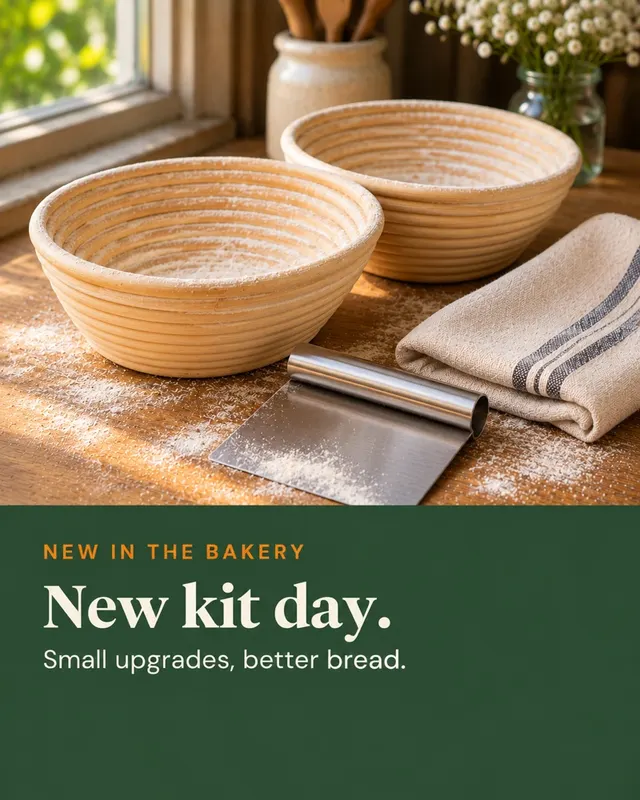


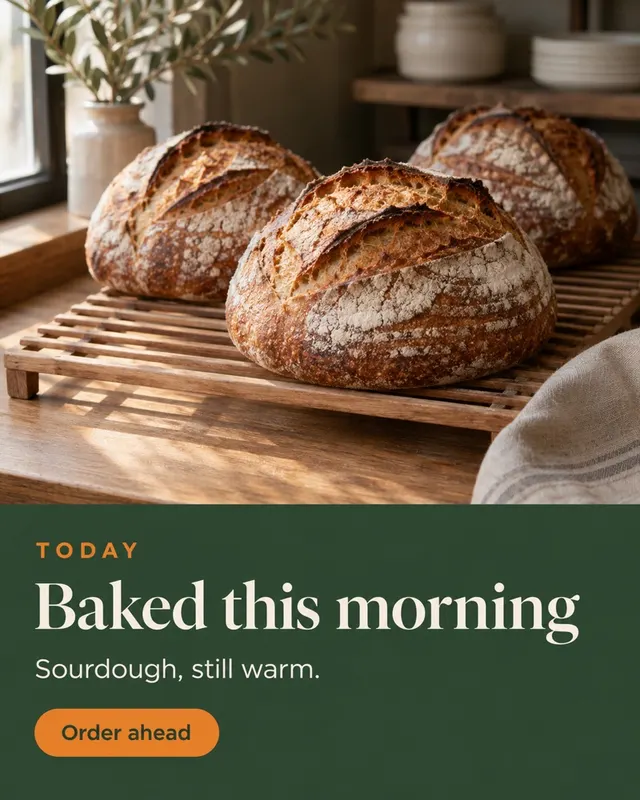
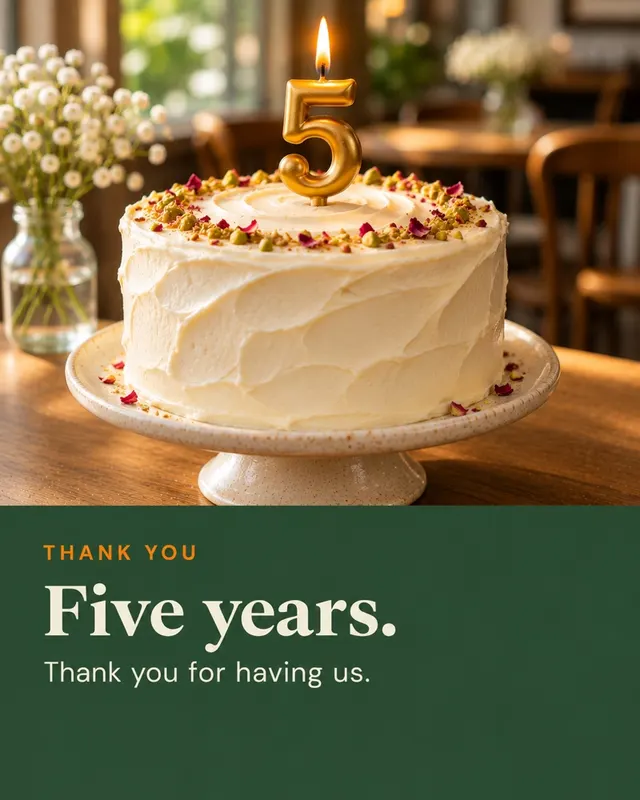
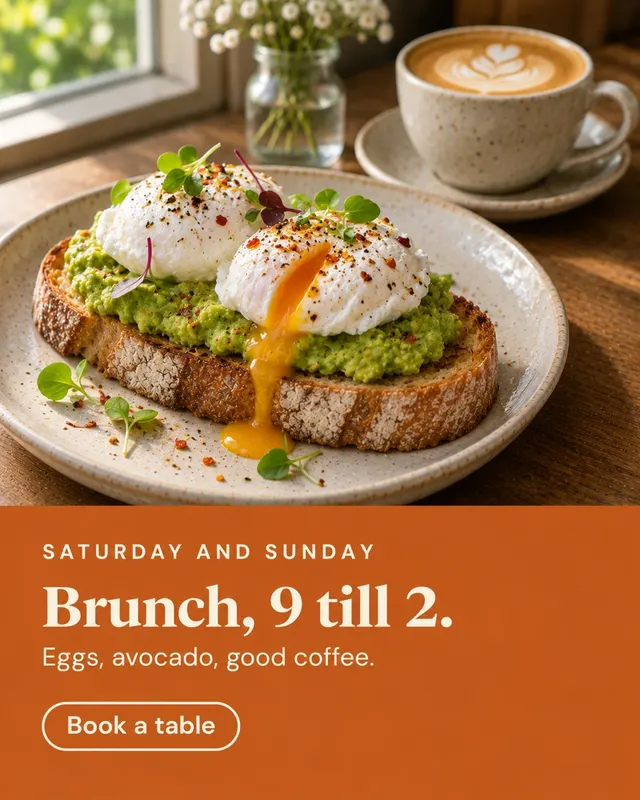
Keeps up with your town
and your trade.
Your ideas are refreshed with what's on near you and what's changing in your trade.
- Around you: what's on near your town
- Your trade: what is changing
- New ways to post
Nothing goes out
until you say yes.
Swipe through the week's posts. Keep, change or leave out each one.
- Posts wait for your go
- Swipe to say yes
- The next post comes up
- The week is scheduled
Something happens mid‑week?
Send it in.
Message a photo or a line. It becomes a post on the next free day in your week.
- Send a photo or a line
- Tap Add it to my week
- It tells you when it goes out
- It lands on the next free day
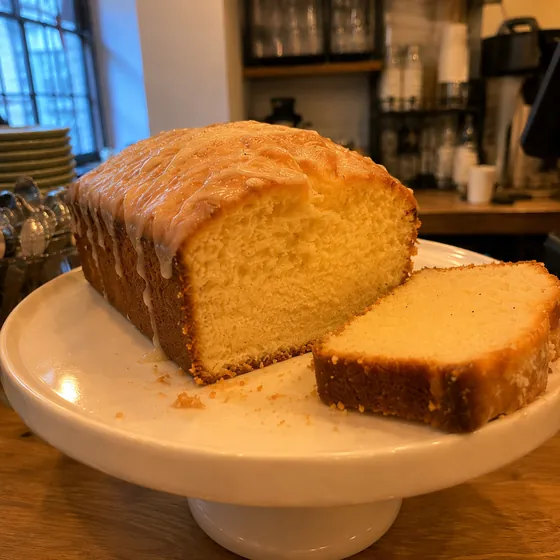 New seasonal cake in today!
 12:30
Questions people ask
What is an AI social media manager?
It plans your posts, makes them and schedules them for you every week. You look at each one and say yes.
Does it keep going every week?
Yes. Once it is on, it plans each coming week every Sunday at 6pm. It pauses if an account needs reconnecting or made posts are left waiting for you.
Does it keep up with trends for me?
Your ideas board refreshes about every week with what's on near you, and monthly with changes in your trade and how people post. You don't have to keep up.
Does it post on Instagram and Facebook?
Yes. It posts on the accounts you switch on.
Can I run my social media from WhatsApp?
Yes. With Autopilot on, send a photo or a line, then choose Make it now or Add it to my week.
Can I stop it any time?
Yes. Pause it or turn it off whenever you like. Posts already made stay where they are.